How to Download SoundCloud Playlist to MP3 Free — Full Guide 2026
If you have ever spent hours curating the perfect SoundCloud playlist only to realize you cannot listen to it offline, you know exactly how frustrating that feels. SoundCloud locks offline playlist access behind its paid Go+ subscription. But here is the thing — you do not need to pay a single rupee or dollar to download your favorite playlists. All you need is the right tool and two minutes of your time.
In this complete guide we will show you exactly how to download any SoundCloud playlist to MP3 for free in 2026, track by track or all at once, in high quality — with no registration required.
Why SoundCloud Does Not Let You Download Playlists for Free
SoundCloud is a streaming platform. Like Spotify and Apple Music, it wants you to stay connected to the internet and pay for premium access to unlock offline features. The free tier gives you streaming only — no downloads, no offline access, and no way to save playlists natively.
This is where SC Downloader comes in. It acts as a bridge between you and SoundCloud’s audio servers, letting you extract and save any public playlist as clean MP3 files — completely free, with no account needed.
What You Need Before Starting
Before you begin, make sure you have the following ready:
- A device with any modern browser — Chrome, Safari, Firefox
- The SoundCloud playlist, album, or set URL you want to download
- A stable internet connection
- Storage space on your device for the MP3 files
No software installation, no browser extensions, and no sign up required.
Step by Step Guide — How to Download a SoundCloud Playlist to MP3
Step 1 — Open SoundCloud and Find Your Playlist
Open the SoundCloud app on your phone or visit soundcloud.com on your browser. Navigate to the playlist, album, or set you want to download. This could be your own playlist, someone else’s public playlist, or an artist’s full album uploaded as a set.
Make sure the playlist is set to public. Private playlists and SoundCloud Go+ exclusive content are protected and cannot be fetched by any downloader tool.
Step 2 — Copy the Playlist Link
On desktop, copy the URL directly from your browser address bar. On the SoundCloud mobile app, open the playlist, tap the three dot menu or the Share button, and select Copy Link. Both full soundcloud.com links and short on.soundcloud.com mobile links are fully supported.
Step 3 — Visit SC Downloader
Open your browser and go to sc-downloader.com. You will see the main input field at the top of the homepage. This is where you paste your playlist link.
Step 4 — Paste the Playlist URL and Click Download
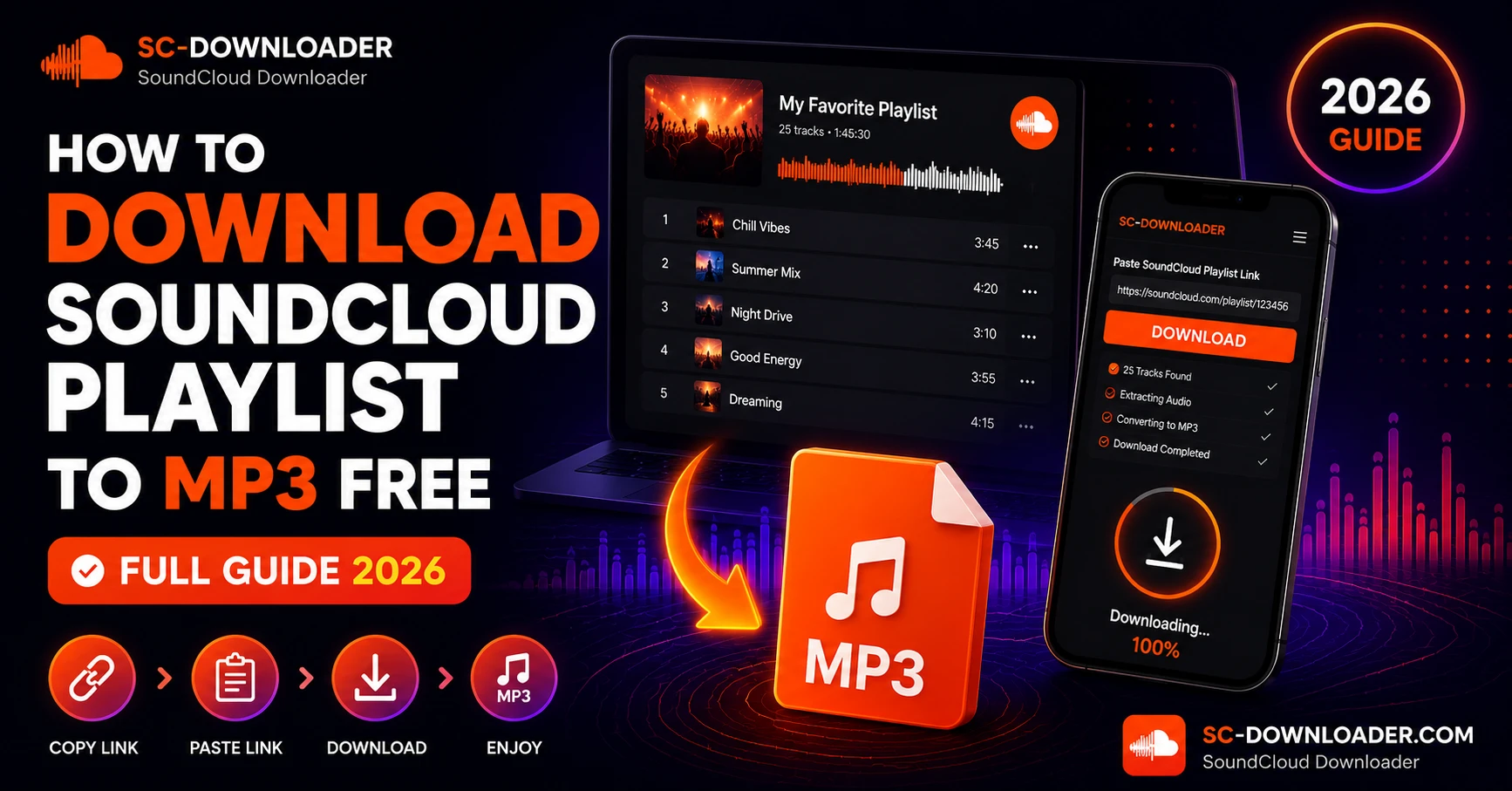
Tap or click the input field, paste the playlist URL, and press the Download button. SC Downloader will begin resolving the playlist structure. It fetches track metadata in optimized batches to avoid hitting SoundCloud rate limits — something most other tools fail at when handling large playlists.
Within a few seconds you will see the full tracklist appear on your screen with each song’s title, artist name, duration, and cover artwork.
Step 5 — Preview and Select Your Tracks
Before downloading, you can preview any track directly in the built-in player to make sure it is the right version. This is especially useful for large DJ sets or compilation albums where multiple versions of a track may exist.
Select the tracks you want or choose to download the entire playlist.
Step 6 — Choose Your Audio Quality
For each track you will be given two quality options. Standard 128kbps is ideal for casual listening and saves storage space. Premium 320kbps MP3 delivers full audiophile quality with crisp highs, deep bass, and the complete dynamic range of the original recording — perfect for DJs and music producers.
Step 7 — Download and Save
Click Download MP3 for each track. SC Downloader fetches the raw HLS audio stream directly from SoundCloud CDN servers, stitches the segments together, and delivers a clean MP3 file with no watermarks, no clipping, and no audio artifacts. The file saves directly to your device’s Downloads folder or, on iPhone, to your iOS Files app.
How SC Downloader Handles Large Playlists Without Breaking
Most online downloader tools crash or freeze when you paste a playlist URL because they try to load and process every track simultaneously. This triggers SoundCloud’s API rate limits and locks the request.
SC Downloader was built specifically to avoid this problem. Our system resolves playlist structures in batched requests, spacing out API calls intelligently so SoundCloud’s servers never flag the activity. This means even a 100 track playlist resolves cleanly without errors, timeouts, or broken downloads.
How to Download SoundCloud Playlists on iPhone
Downloading playlists on iPhone requires one extra step compared to desktop. You must use Safari as your browser, not Chrome or Firefox. Safari is the only iOS browser that triggers the native download prompt and saves files directly to your Files app.
Open Safari on your iPhone, visit sc-downloader.com, paste your playlist URL, and follow the same steps above. When you tap Download MP3, Safari will show a download prompt at the top of the screen. Confirm it and the file saves to your Files app under the Downloads folder.
For a detailed iPhone specific walkthrough, read our full guide on how to download SoundCloud songs on iPhone.
How to Download SoundCloud Playlists on Android
On Android, open Chrome or Firefox, visit sc-downloader.com, paste your playlist link, and download each track. Files save automatically to your device’s Downloads folder and can be played immediately using VLC, Samsung Music, or any local MP3 player.
Android handles MP3 downloads more straightforwardly than iPhone, so you should not run into any browser-specific issues. Both Chrome and Firefox work perfectly on Android.
Where Do Downloaded Playlist Files Save on Each Device
Understanding where your files go after downloading saves a lot of confusion. Here is a quick breakdown by device.
On Windows, files save to your browser’s default Downloads folder, usually located at C:\Users\YourName\Downloads. On Mac, files go to the Downloads folder in Finder. On iPhone, files save to the Files app under On My iPhone then Downloads. On Android, files save to the Downloads folder accessible through your file manager app or any music player that reads local storage.
What Happens to ID3 Tags and Cover Art in Playlist Downloads
Every MP3 file downloaded through SC Downloader automatically includes full ID3 metadata. This means the track title, artist name, album name, genre, and high-resolution cover artwork are all embedded directly into the MP3 file. When you add the files to any music player or library, everything displays correctly without any manual tagging needed.
This is one area where SC Downloader outperforms most competitors, which often deliver unnamed files with no artwork.
Can You Download Private SoundCloud Playlists
No. Private playlists are not accessible to anyone without the owner’s explicit permission and login credentials. SC Downloader can only fetch content that is publicly available on SoundCloud without requiring a login. If a playlist is set to private by its creator, it cannot be downloaded by any tool.
Similarly, playlists that contain SoundCloud Go+ exclusive tracks will have those specific tracks skipped during the download process, as they are DRM-protected at the source.
Common Playlist Download Problems and Fixes
Problem 1 — Playlist Shows Zero Tracks After Pasting
This usually means the playlist is set to private or the URL was copied incorrectly. Double check by opening the playlist link in an incognito browser window. If it does not load publicly there, it is a private playlist and cannot be downloaded.
Problem 2 — Only Some Tracks Download Successfully
Some tracks within a public playlist may be individually set to private by the uploader, or they may be Go+ exclusive content. SC Downloader will download all publicly accessible tracks and skip the restricted ones automatically.
Problem 3 — Download Stalls or Gets Stuck
Clear your browser cache and try again. If the issue persists, try a different browser. Temporary CDN congestion between SoundCloud’s servers and our system can occasionally cause delays, but these resolve within a few minutes.
Problem 4 — Short Link Is Not Resolving
If you used the SoundCloud app to copy a short on.soundcloud.com link, paste it into your browser address bar first to expand it to the full URL. Then copy the full URL and paste that into SC Downloader.
Is Downloading SoundCloud Playlists Safe
Yes, completely. SC Downloader is a browser-based proxy tool. There are no apps to install, no browser extensions to add, and no executables to run. Every audio file streams directly from SoundCloud’s own CDN servers to your device. SC Downloader never stores, hosts, or redistributes any music files on its own servers.
How Many Tracks Can You Download for Free
There are absolutely no limits. SC Downloader is entirely free with no daily track caps, no playlist size restrictions, no speed throttling, and no account requirement. Whether you want to download a 5 track EP or a 200 track DJ compilation, you can do it all for free.
Frequently Asked Questions
Final Thoughts
Downloading a full SoundCloud playlist to MP3 for free has never been easier. With SC Downloader you get clean, watermark-free MP3 files with full ID3 tags and cover art — no subscription, no registration, no limits.
Whether you are saving a carefully curated mixtape for a road trip, archiving a DJ set for reference, or building an offline music library track by track, SC Downloader handles it all in seconds. And if you ever need to download individual SoundCloud songs on your iPhone or want the absolute best audio quality, our 320kbps downloader has you covered too.
Start downloading your playlists now — completely free.