How to Download SoundCloud Songs on iPhone 2026 — Free & No App Needed
If you have ever found the perfect track on SoundCloud and wished you could listen to it offline without paying for SoundCloud Go+, you are not alone. Millions of iPhone users search for this exact solution every month. The good news is that you do not need a subscription, a third party app, or any technical knowledge. All you need is Safari and two minutes of your time.
In this guide we will show you exactly how to download SoundCloud songs on iPhone in 2026, step by step, completely free.
Why iPhone Users Cannot Download SoundCloud Songs by Default
SoundCloud offers an offline listening feature, but it is locked behind the SoundCloud Go+ subscription which costs money every month. Without it, every track you love requires an internet connection to play. This is frustrating when you are commuting, traveling, or simply in an area with poor signal.
The solution is simple. Instead of paying for a subscription just to listen offline, you can use SC Downloader to save any public SoundCloud track directly to your iPhone as a clean MP3 file — no subscription needed, no registration, completely free.
What You Need Before Starting
Before we begin, make sure you have the following:
- An iPhone running iOS 14 or later
- The SoundCloud app or SoundCloud website open in any browser
- Safari browser installed (comes default on every iPhone)
- A working internet connection
That is it. No extra apps, no sign ups, nothing else required.
Step by Step Guide — How to Download SoundCloud Songs on iPhone
Step 1 — Find Your Track on SoundCloud
Open the SoundCloud app on your iPhone or visit soundcloud.com in your browser. Search for the song, track, DJ set, or podcast episode you want to download. Make sure the track is publicly available — private tracks and Go+ exclusive content cannot be downloaded by any tool.
Step 2 — Copy the SoundCloud Link
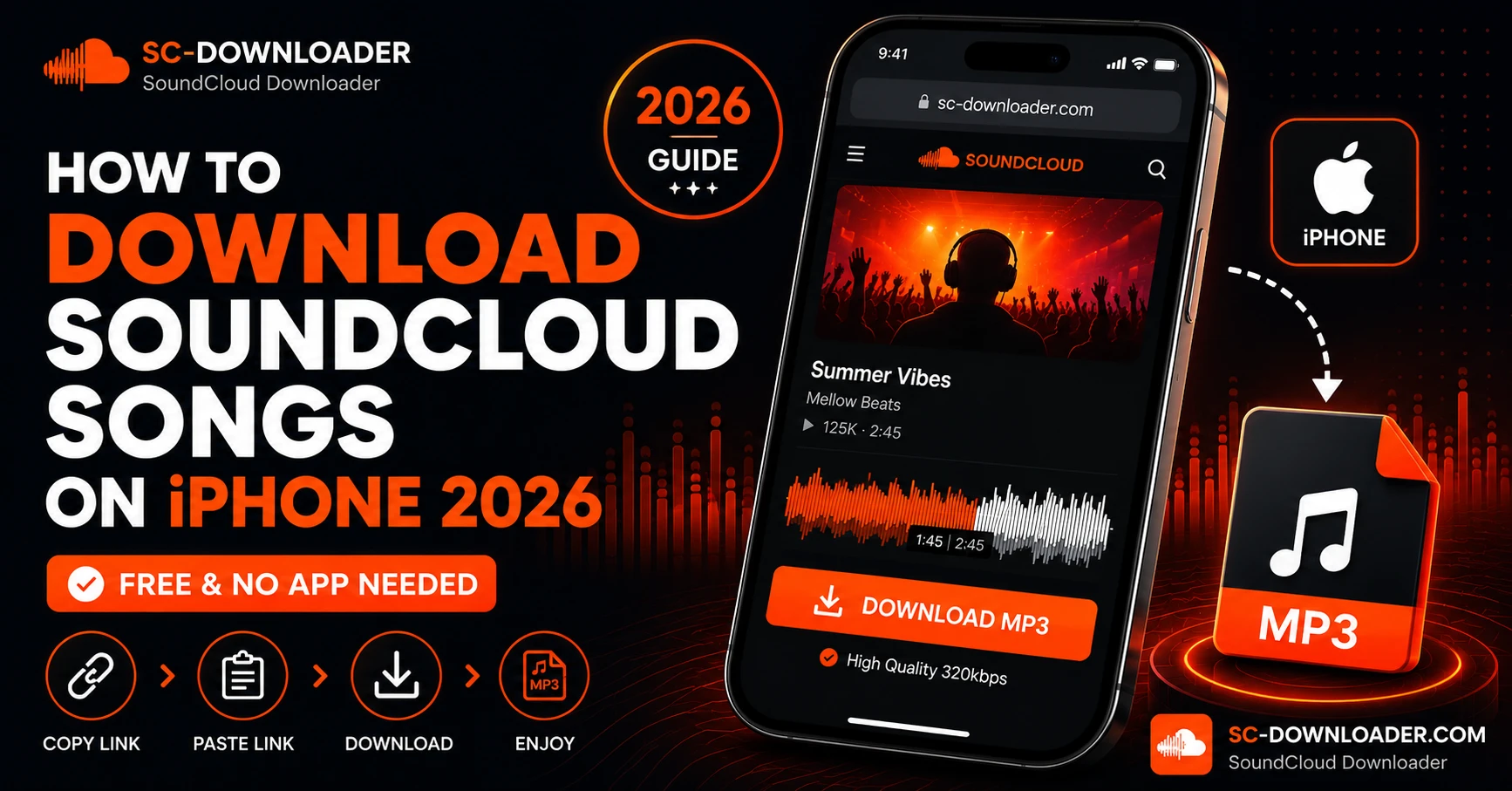
Once you have found your track, tap the Share button. On the SoundCloud app this looks like an arrow pointing upward. From the share menu, select Copy Link. SoundCloud will copy the track URL to your clipboard. This works with both full links like soundcloud.com/artist/trackname and short mobile links starting with on.soundcloud.com.
Step 3 — Open Safari and Visit SC Downloader
This step is important. You must use Safari on iPhone for the download to save correctly to your Files app. Open Safari and go to sc-downloader.com. You will see the main input field at the top of the page.
Step 4 — Paste the Link and Click Download
Tap the input field and paste the SoundCloud link you copied. Then tap the Download button. SC Downloader will instantly resolve the track, fetch the audio stream from SoundCloud servers, and prepare your MP3 file. This usually takes between three to eight seconds depending on your internet speed.
Step 5 — Choose Your Audio Quality
After the track is resolved you will see two quality options. Choose between standard 128kbps for a smaller file size or premium 320kbps for full audiophile quality. If you are a casual listener, 128kbps is perfectly fine. If you are a DJ, music producer, or audiophile who wants the best sound, always choose 320kbps MP3 download.
Step 6 — Save the MP3 to Your iPhone Files App
Tap Download MP3 File. Safari will show a native iOS download prompt at the top of your screen asking if you want to download the file. Tap Download. The MP3 file will save directly into your iPhone Files app under the Downloads folder. You can now play it anytime, even without an internet connection.
Where Do Downloaded SoundCloud Songs Go on iPhone
This is one of the most common questions iPhone users ask. When you download an MP3 through Safari, iOS saves the file to your native Files app. To find your downloaded SoundCloud songs, follow these steps.
Open the Files app on your iPhone. Tap Browse at the bottom. Select On My iPhone. Open the Downloads folder. Your MP3 files will be listed there with the track name and artist automatically embedded as ID3 tags.
You can play them directly from the Files app or move them to your preferred music player app.
How to Play Downloaded SoundCloud MP3s on iPhone
Apple Music app does not allow you to easily add local MP3 files from the Files app without syncing through a computer. However there are excellent free alternatives that play local files directly on iPhone.
VLC for iPhone is the most popular option. It is completely free, available on the App Store, and plays any MP3 file you transfer to it from the Files app. Doppler and Cs Music Player are also excellent paid options if you want a more polished experience.
Can You Download a Full SoundCloud Playlist on iPhone
Yes. SC Downloader supports full SoundCloud playlist downloading as well. Instead of copying a single track link, copy the link of the entire playlist or album from SoundCloud. Paste it into SC Downloader and the tool will resolve every track in the playlist, showing you the full list with titles, artists, and durations. You can then download each track individually or run multiple downloads at the same time through Safari.
Common iPhone Download Problems and How to Fix Them
Problem 1 — Safari Is Not Showing the Download Prompt
Make sure you are using Safari and not Chrome or Firefox on iPhone. Only Safari triggers the native iOS download prompt that saves files to the Files app. If you are already using Safari, try clearing your browser cache by going to Settings, Safari, and tapping Clear History and Website Data.
Problem 2 — The Track Is Not Being Resolved
Check if the track plays in an incognito Safari window first. If it does not play there, the track is either private, geo-blocked, or restricted in your region. SC Downloader can only fetch tracks that are publicly accessible. For geo-blocked tracks, this is a SoundCloud restriction and no downloader tool can bypass it.
Problem 3 — File Is Downloading But Not Playing
If the downloaded file does not play in the Files app, try opening it with VLC instead. Occasionally iOS has trouble playing certain MP3 files natively but VLC handles them without any issues.
Problem 4 — Short Link Not Working
If you copied a short on.soundcloud.com link and it is not resolving, paste it into Safari first to make sure it opens the correct track page. Then copy the full URL from the Safari address bar and paste that into SC Downloader instead.
Is It Safe to Download SoundCloud Songs on iPhone This Way
Yes, it is completely safe. SC Downloader is a browser-based tool that works entirely within Safari. There are no apps to install, no executables to run, and no plugins required. The audio file streams directly from SoundCloud CDN servers to your iPhone through SC Downloader’s proxy. No malware, no viruses, no tracking.
Does This Work on iPad Too
Yes. The exact same steps work on iPad as well. Open Safari on your iPad, visit sc-downloader.com, paste your SoundCloud link, and download. The MP3 will save to your iPad Files app in the same Downloads folder location.
Frequently Asked Questions
Final Thoughts
Downloading SoundCloud songs on iPhone in 2026 does not have to be complicated or expensive. With SC Downloader you can save any public track as a clean high-quality MP3 in under a minute, directly to your iPhone Files app through Safari — no app install, no subscription, no registration required.
Whether you want to save a single track for your commute or download an entire SoundCloud playlist for a long flight, SC Downloader handles it all for free. Try it now and build your offline music library today.